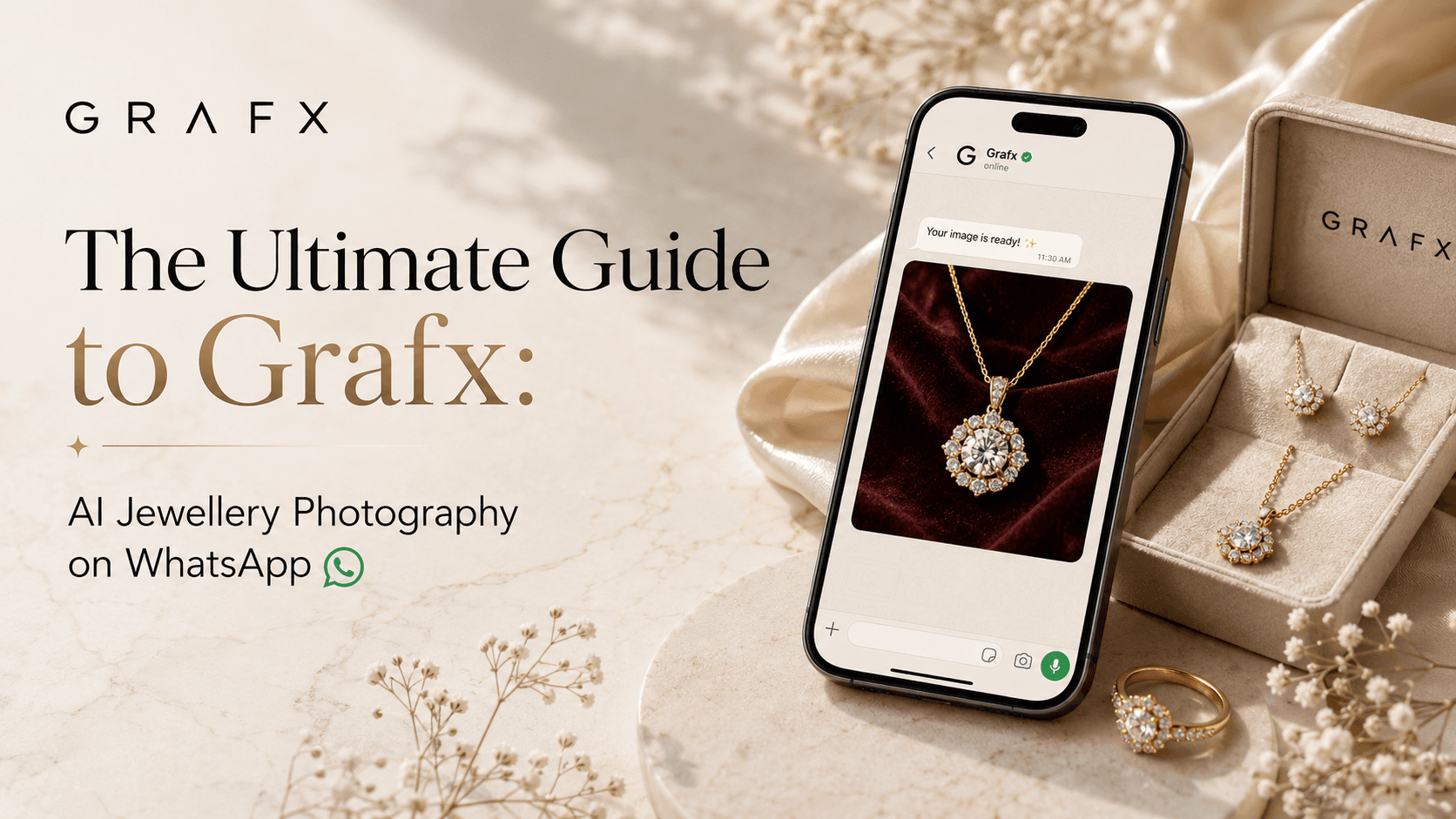
Transforming your raw jewellery photos into studio-quality images doesn't require complex software, expensive macro lenses, or lighting tents. With the Grafx WhatsApp bot, you can generate professional product shots, model lifestyle images, and full catalog spreads in under a minute—right from your phone.
Here is everything you need to know to automate your jewellery photography.
Getting Started & The "Bail Out" Command
To wake up the Grafx bot, simply open the WhatsApp chat and type anything (like "Hi" or "Start"). The bot will instantly reply with the main menu.
Pro Tip: If you ever make a mistake, change your mind, or get stuck in a menu, simply type "Stop". This will instantly back you out of your current session and reset the flow so you can start fresh.
1. Single Product Mode
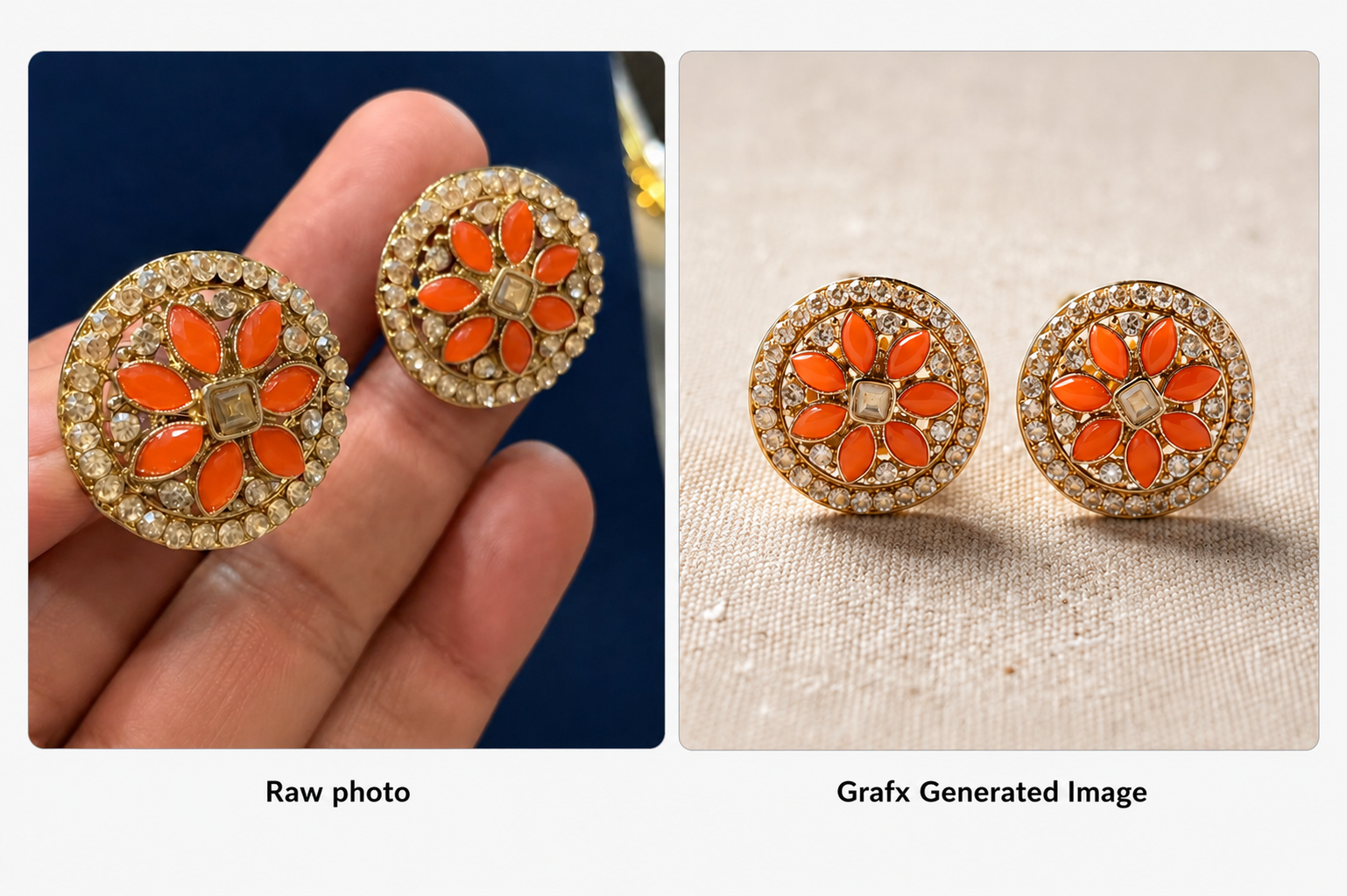
Perfect for creating a polished, high-quality image of a single piece of jewellery for Instagram, Facebook, or a quick promo.
Time to complete: ~30 seconds.
- Upload your image: Send a clear photo of your jewellery piece directly into the chat.
- Choose your workflow: Select the specific lighting and enhancement workflow from the options provided by the bot.
- Select your variant: Choose your preferred background or stylistic variant.
Once selected, Grafx will process the image and deliver your final studio-quality shot.
2. Model Shoot Mode
Want to show how a necklace sits on the collarbone or the scale of a ring? Model Shoot places your jewellery onto hyper-realistic AI models, saving you the cost of hiring real models for every seasonal drop.
Time to complete: ~30 seconds.
- Select Gender: Tap your preference from the bot's menu.
- Select Race: Choose the skin tone and demographic that best fits your target audience.
- Select Jewellery Type: Tell the bot what kind of piece you are uploading (e.g., Ring, Necklace, Earrings).
- Upload your image: Send the photo of your jewellery piece.
- Choose the Photoshoot Style: Select the aesthetic or vibe of the shoot.
Grafx will instantly merge your piece onto the model in your chosen style.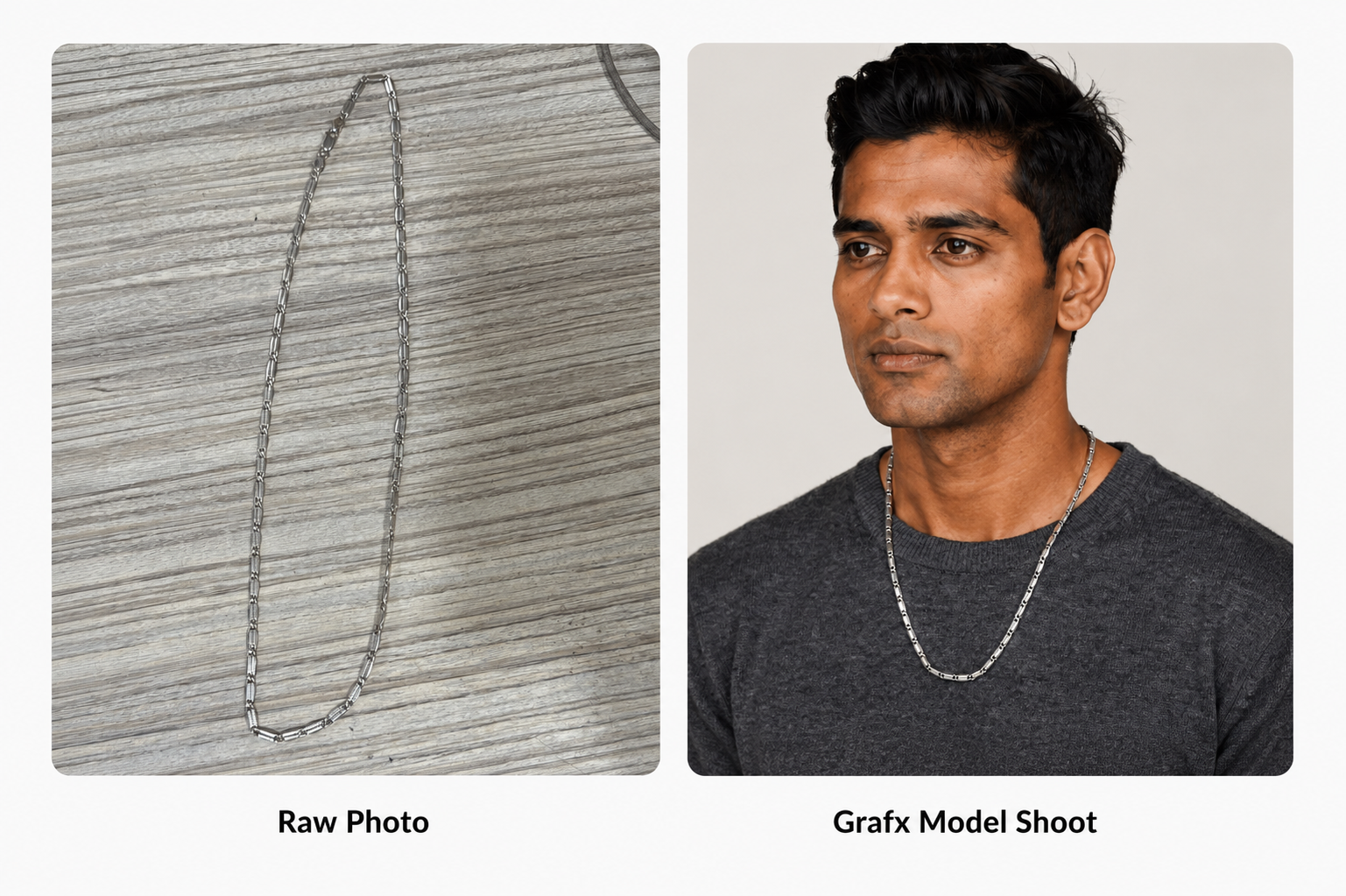
3. Catalog Shoot Mode
When you are building out a Shopify or Amazon product page, you need multiple angles and lighting setups. Catalog Shoot builds out an entire listing's worth of images in one go.
Time to complete: ~1 minute.
- Upload your image: Send the base photo of your jewellery piece.
- Choose the number of images: Select how many variations you need (choose from 2, 3, 4, or 5).
Grafx will generate a complete set featuring different backgrounds and lighting conditions so your product page looks incredibly professional.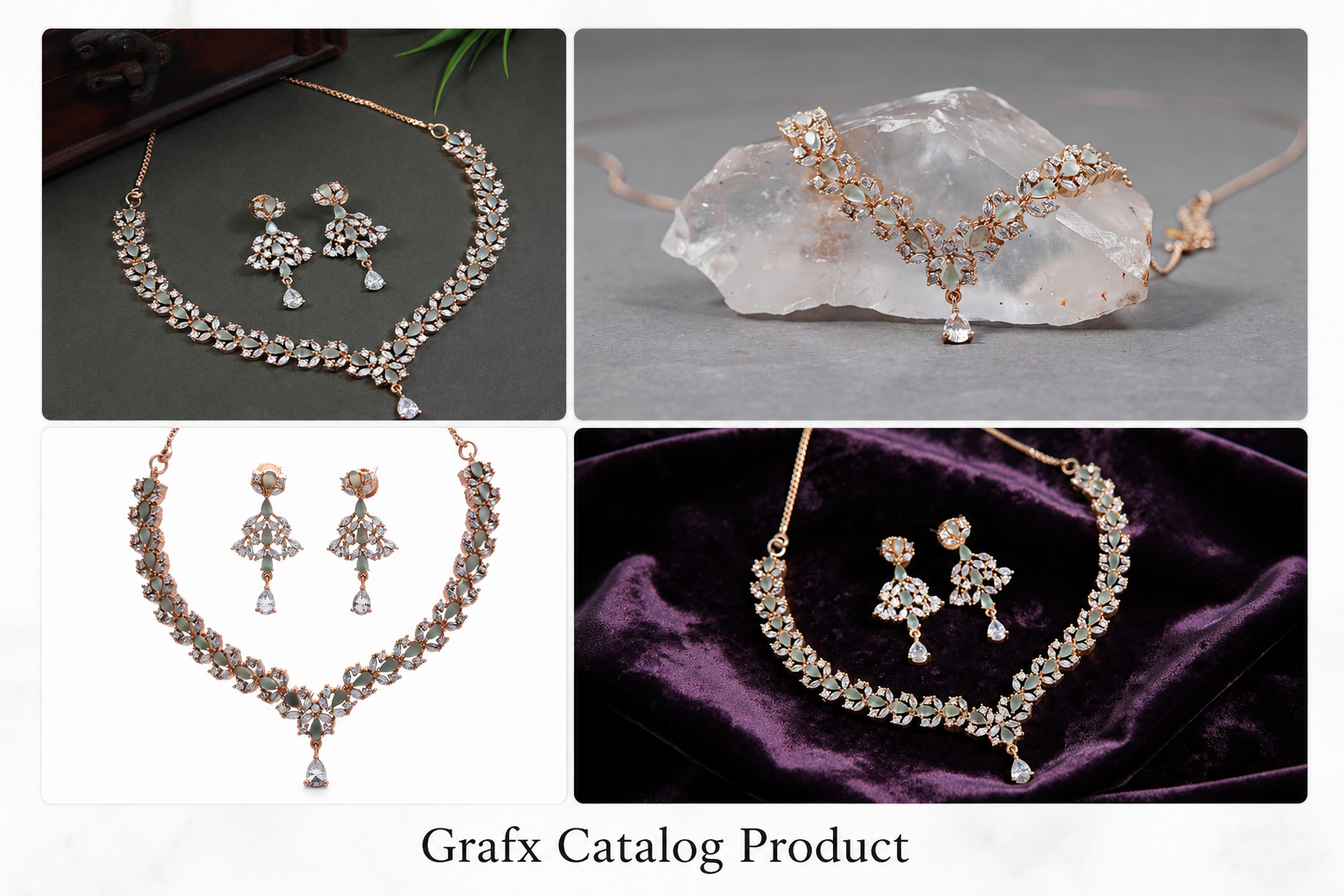
4. Virtual Try-On
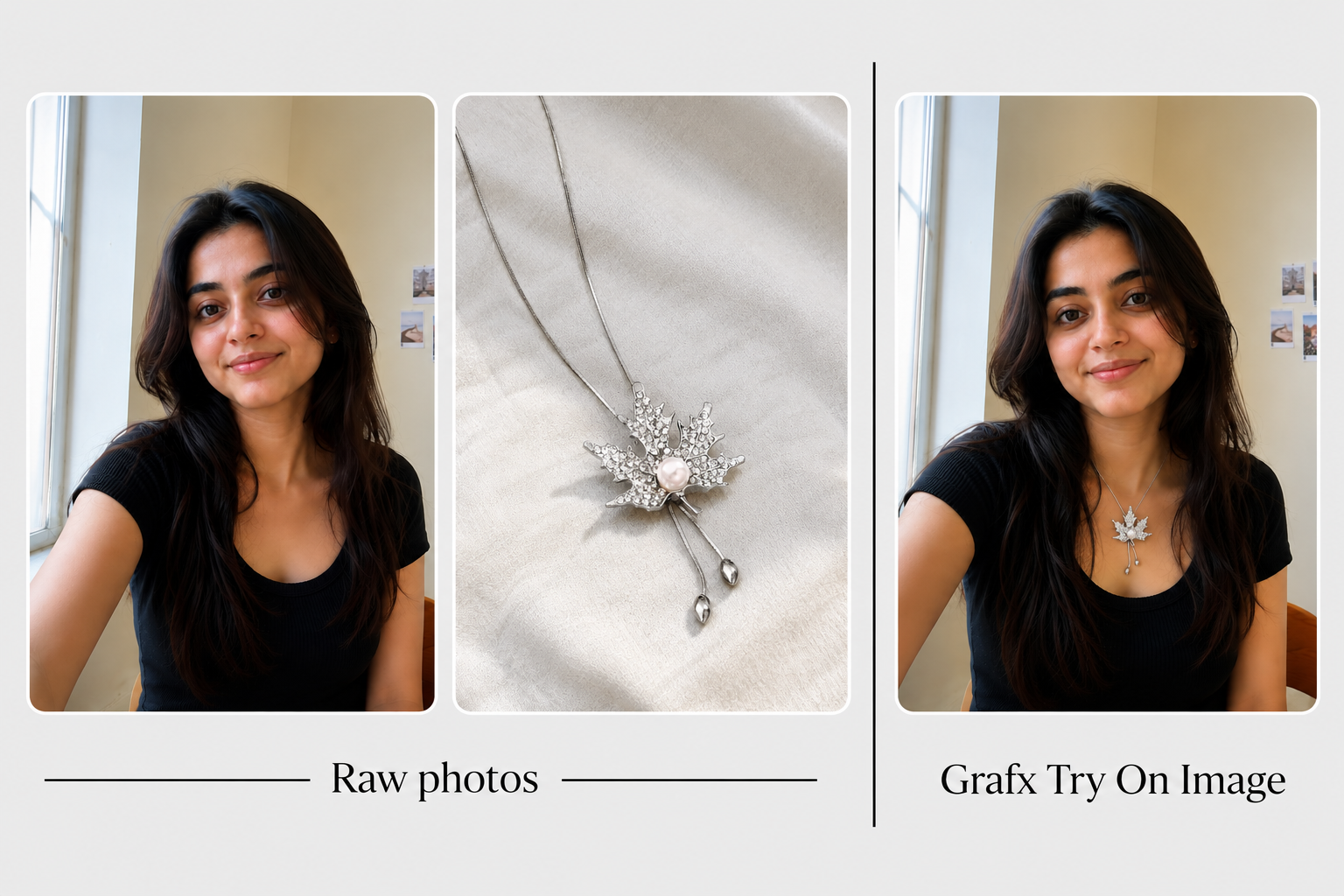
This feature acts as your ultimate digital sales closer. It bridges the gap between seeing a product and visualizing ownership by letting your customers see exactly how a piece of jewellery looks on their own skin tone and body.
Time to complete: ~30 seconds.
- Upload the person's image: Send a clear photo of the customer (or yourself) directly into the chat.
- Upload the jewellery image: Send the photo of the specific piece of jewellery you want to "wear."
Once both images are in the chat, Grafx works its magic and generates a highly realistic image of the person wearing the uploaded jewellery.
Elevate Your Jewellery Brand Today
High-quality imagery is the lifeblood of any jewellery business. Your customers need to see the sparkle, the scale, and the style before they make a purchase. But getting those perfect shots shouldn't require thousands of dollars in studio fees or hours of tedious editing.
With Grafx, you have a 24/7 AI-powered photo studio right inside your WhatsApp. Whether you need a quick polished image for Instagram, a consistent catalog spread for your website, or an interactive virtual try-on experience to close a sale, Grafx makes it as simple as sending a text message.
Ready to ditch the macro lens and scale your content creation?
👉 Click here to start chatting with the Grafx bot and transform your first jewellery photo today!