When selling fine jewelry online, color is everything. A customer buying a Ceylon sapphire expects a vivid, mesmerizing cornflower blue. If your photograph renders it as a dark, murky navy, you lose the sale. If the photo makes it look artificially neon and the customer receives a muted stone, you get a return.
Gemstones are notoriously difficult to photograph accurately. Many stones exhibit pleochroism (showing different colors from different angles), while others interact unpredictably with digital camera sensors. Achieving 100% color accuracy requires a strict, controlled approach to your lighting, camera settings, and editing workflow.
1. Start with the Right Light: The Importance of CRI
Your camera cannot capture colors that your light source does not produce. Standard household bulbs or cheap LED panels have missing frequencies in their color spectrum, which leads to dull or color-shifted gemstones.
- High CRI Lighting: Always use professional continuous lighting or studio strobes with a Color Rendering Index (CRI) of 95 or higher. This ensures the light contains the full spectrum of colors needed to illuminate the subtle hues of your gemstones.
- Consistent Color Temperature: Daylight-balanced lights (around 5000K to 5500K) are ideal for jewelry. Avoid mixing light sources (e.g., window light mixed with a warm desk lamp), as this creates mixed white balance issues that are nearly impossible to fix in post-production.
2. Custom White Balance and Color Calibration
Never rely on your camera’s Auto White Balance (AWB) when shooting colored gemstones. The camera will often try to neutralize the dominant color of the stone, ruining its true vibrancy.
To ensure perfect accuracy, introduce a standard reference point into your shoot:
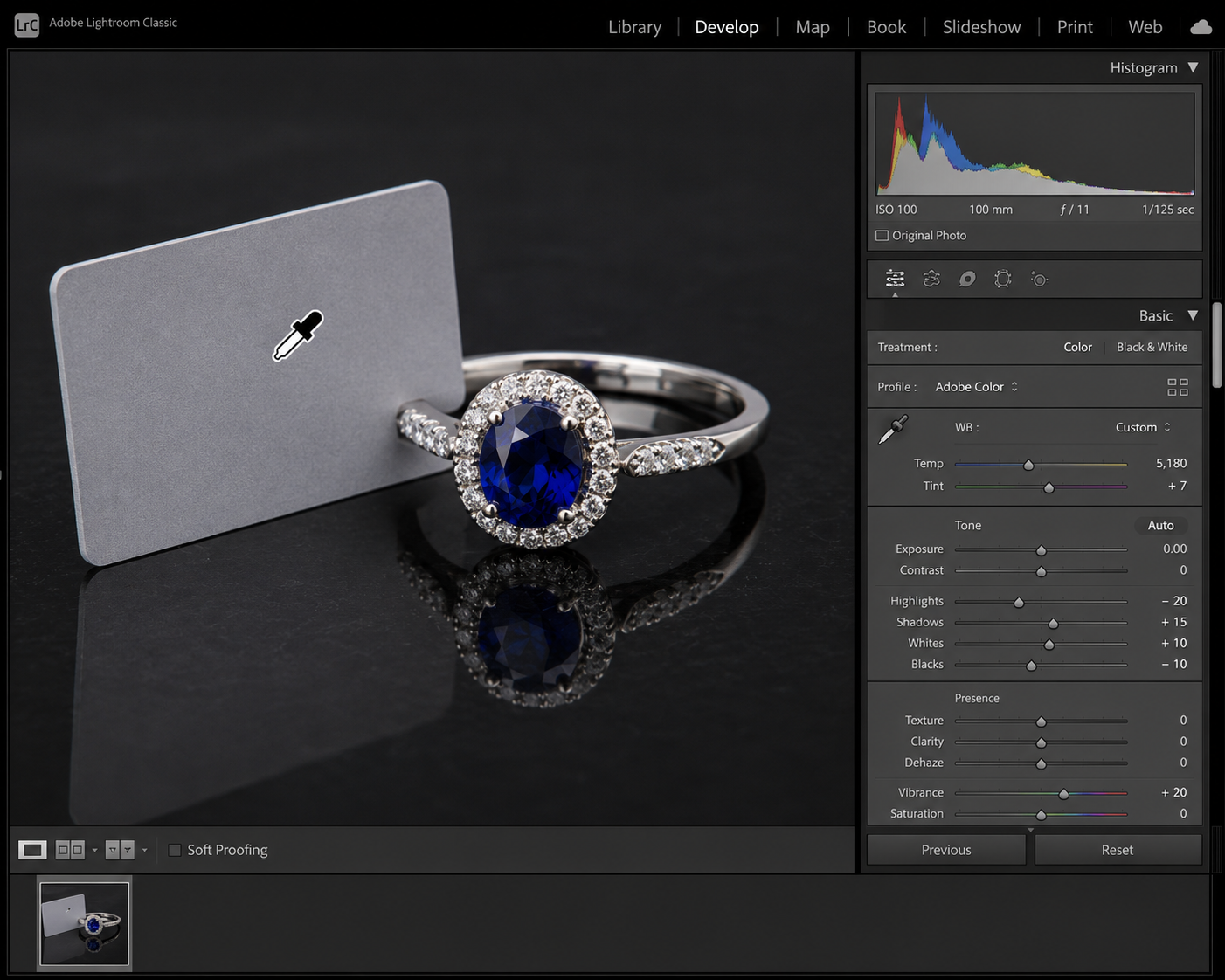
- Grey Cards: Take a test shot of an 18% grey card under your exact lighting setup. You can use this image to set a Custom White Balance in your camera menu.
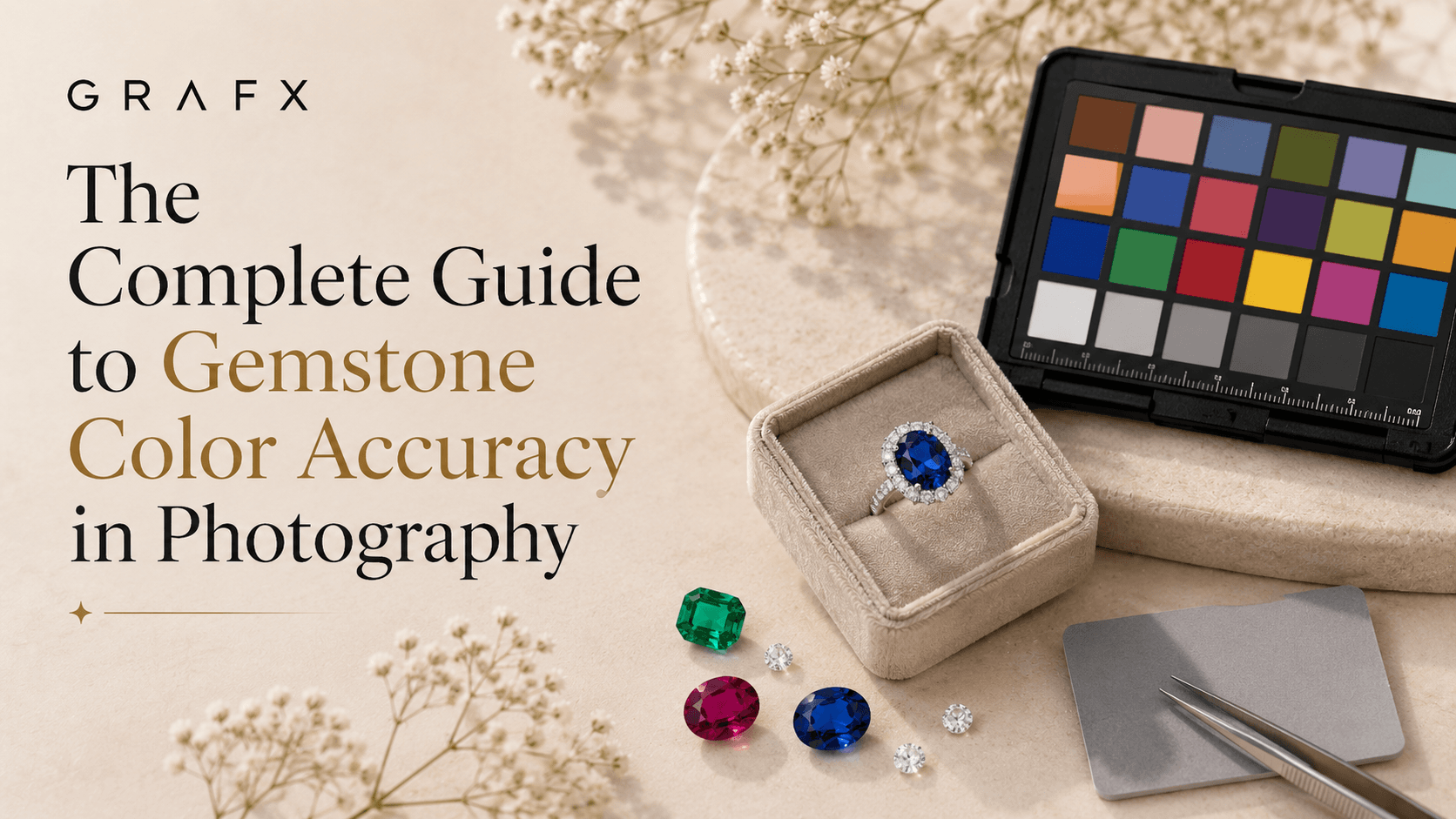
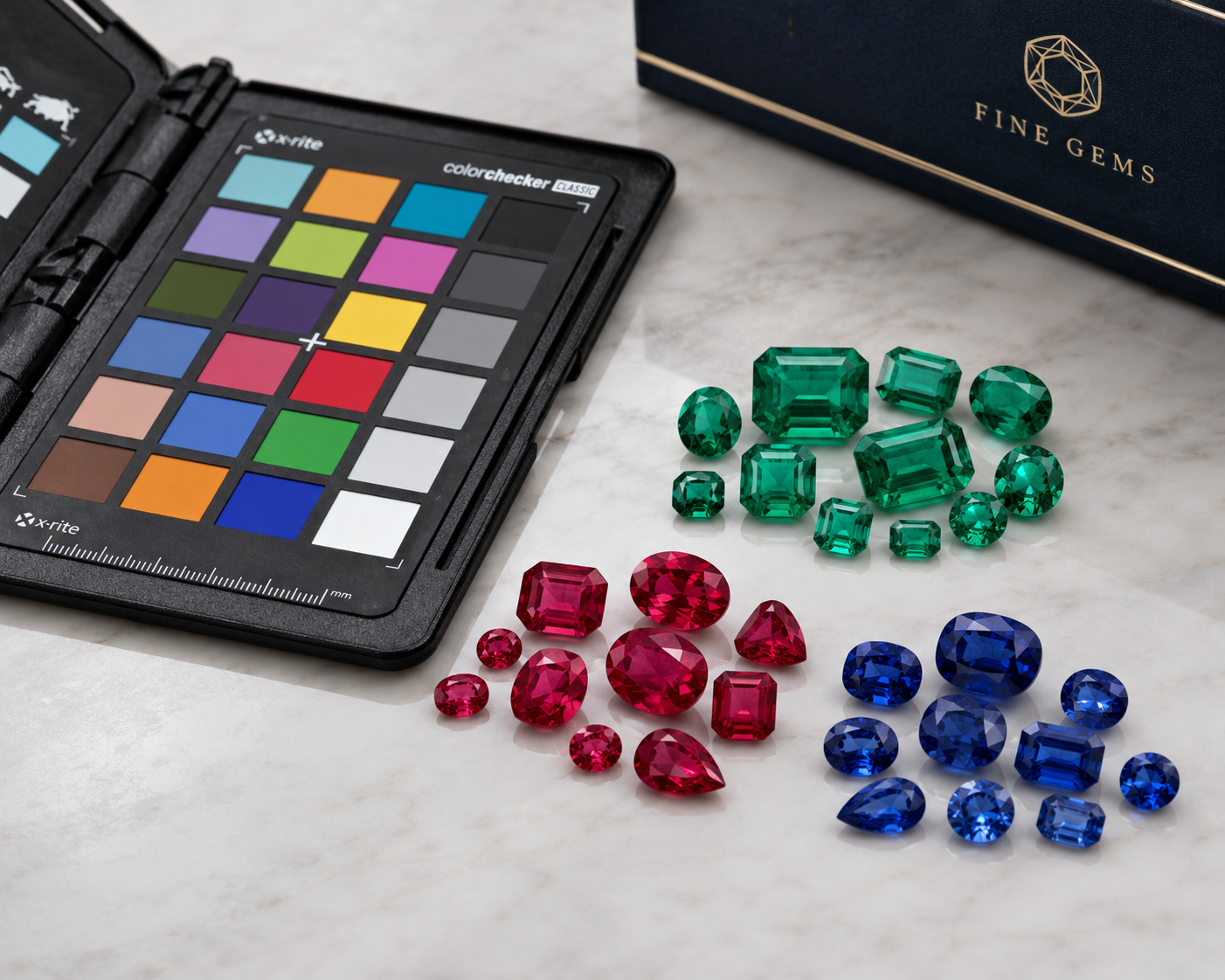
- ColorChecker Passports: For ultimate precision, place a ColorChecker chart in your first frame. When you bring your images into Lightroom or Capture One, you can use the software to create a custom color profile that perfectly calibrates every hue specifically for your camera and lens combination.
3. Shoot in RAW
If you are shooting in JPEG, your camera is making permanent decisions about color, contrast, and saturation, then compressing the file. Always shoot in RAW. A RAW file captures all the uncompressed color data from the sensor, giving you the maximum latitude to fine-tune the exact shades of your emeralds, amethysts, and rubies during post-production without degrading image quality.
4. The Power of Backlighting for Translucent Stones
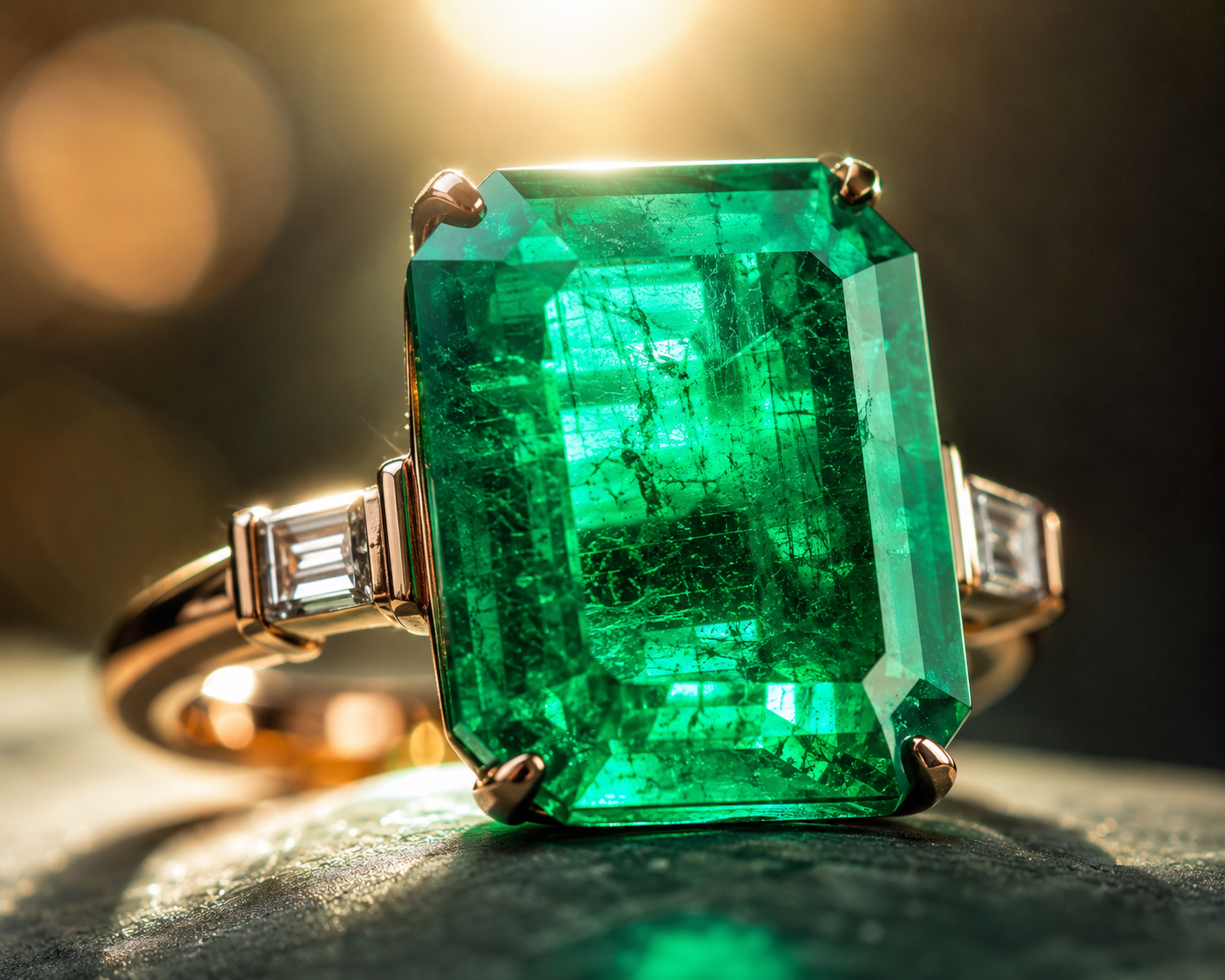
Deeply saturated stones like garnets or dark emeralds often look like black opaque rocks when lit purely from the front. To reveal their true color and internal characteristics, you need to push light through the stone.
Place a small, highly diffused light source behind and slightly below the gemstone. This technique, known as backlighting, illuminates the interior of the crystal, showcasing its clarity and bringing those rich, vibrant colors to life.
5. Careful Color Grading
Even with perfect lighting and calibration, some camera sensors struggle with specific wavelengths, like the deep magenta of a rhodolite garnet or the vivid cyan of a Paraiba tourmaline. In your editing software, use the HSL (Hue, Saturation, Luminance) panel to make micro-adjustments.
Pro Tip: Always compare your digital image on a color-calibrated monitor directly against the physical piece of jewelry held under a daylight lamp. Do not over-saturate; honesty in color representation is the key to building customer trust.
Final Thoughts
Accurate gemstone photography is an exact science that requires the right tools and a meticulous eye. By investing in high-CRI lighting, calibrating your color profiles, and shooting in RAW, you can capture the authentic, breathtaking beauty of every colored stone in your collection.
Achieve Perfect Gemstone Colors Instantly with AI.
Struggling with white balance, color shifts, and capturing the true vibrancy of your emeralds, rubies, and sapphires? Grafx is an AI photography platform built specifically for jewelry brands. Generate hyper-realistic, color-accurate gemstone imagery that perfectly represents your pieces in seconds.