WhatsApp makes it easy to show new jewellery to customers, but simply sending a large collection of product photos is not enough. When images are unclear, product details are missing, or too many options arrive at once, customers may not know what to ask about.
A useful WhatsApp jewellery catalogue should help customers quickly understand the design, compare relevant options, and start a conversation about the pieces they like. Here is how to create one using the phone and product photos you already have.
1. Begin with the Customer's Requirement
Do not send your entire catalogue immediately. First, ask a few simple questions about what the customer needs:
- What type of jewellery are they looking for?
- Is it for daily wear, gifting, a wedding, or another occasion?
- Do they have a preferred metal, style, or budget?
Once you understand the requirement, send a small and relevant selection. A customer looking for minimal daily-wear earrings does not need to browse through heavy bridal necklaces first. This makes the conversation feel personal and helps the customer focus on the most suitable pieces.
2. Make Your Product Photos Catalogue-Ready
The customer cannot hold or inspect the jewellery through WhatsApp, so the images must answer as many visual questions as possible. For each important product, try to include:
- A clear front view showing the complete design
- A close-up showing stones, texture, finishing, or other details
- A side or alternate angle when the shape or depth matters
- A scale reference using a hand, model, display stand, or measurements
You may not need all four images for every product. Simple pieces can often be explained with one or two strong photographs, while more detailed or expensive pieces may need additional views.
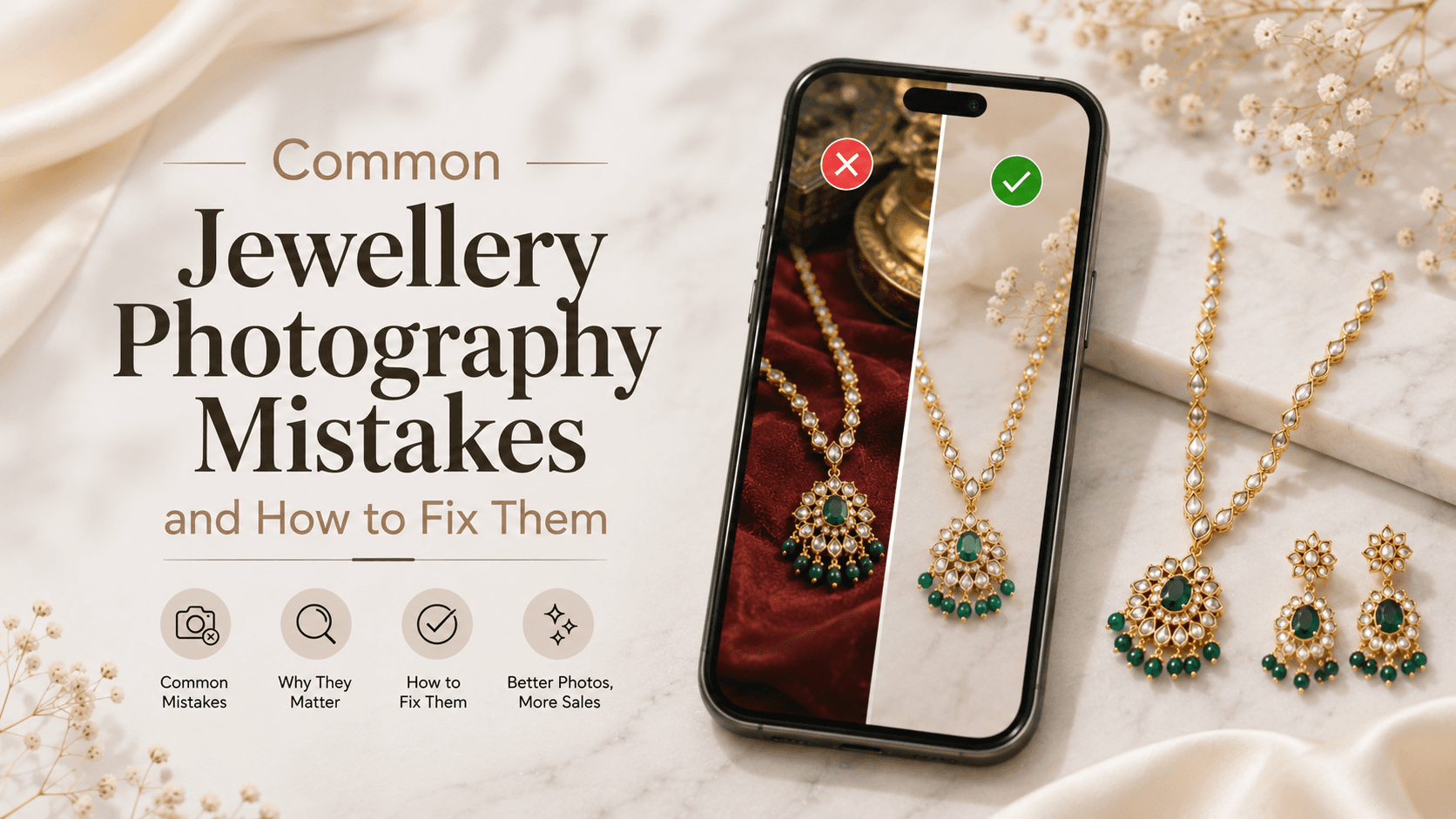
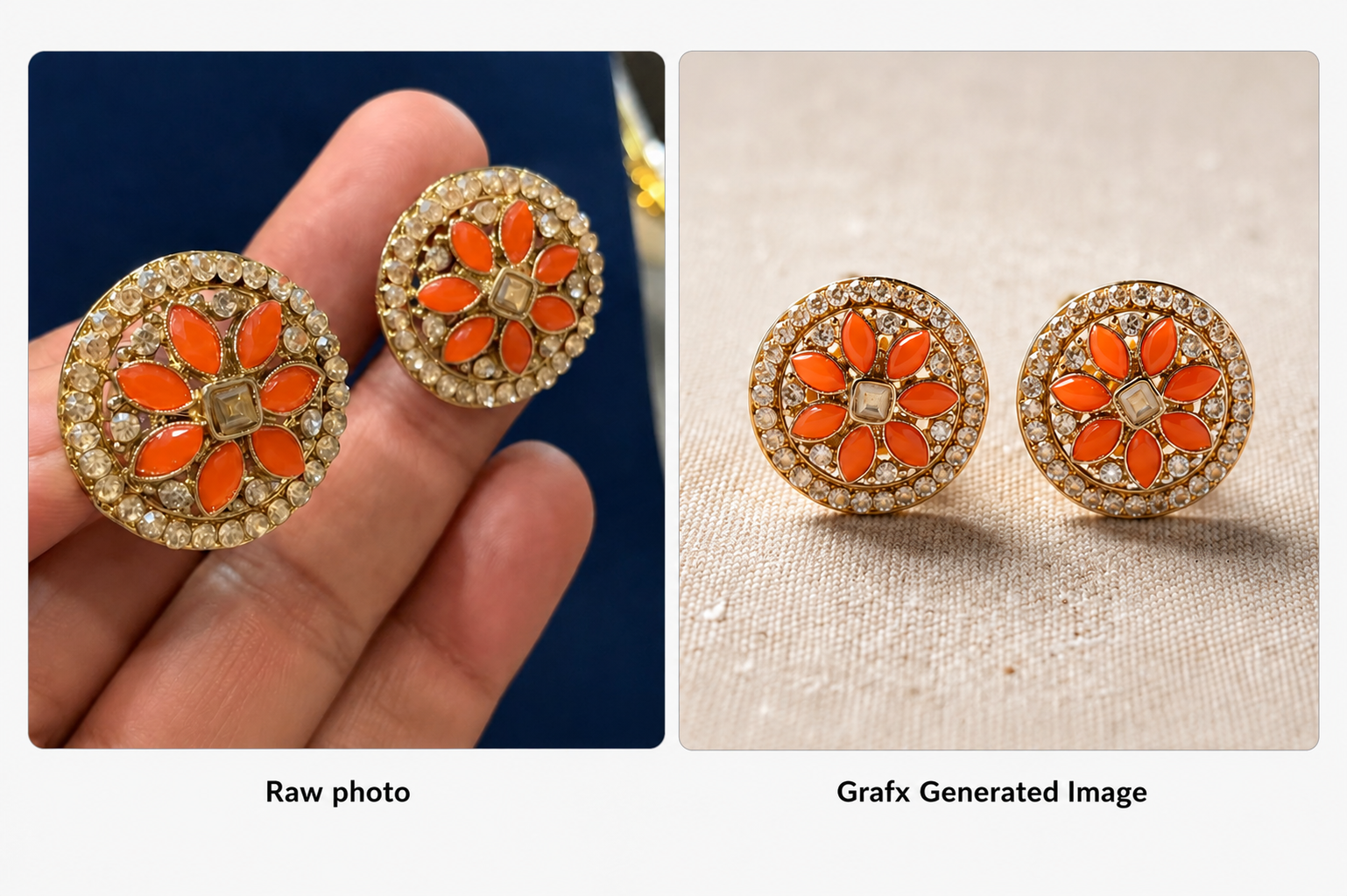
Before adding an image, check that the product is sharp, properly framed, and free from distracting objects. Keep the jewellery itself accurate while improving the background and overall presentation.
With Grafx, you can send a jewellery photo through WhatsApp and describe the setting you want, such as a clean white background, marble surface, or dark velvet presentation. This helps you create consistent, catalogue-ready images without arranging a new physical setup for every product.
3. Add Essential Product Details
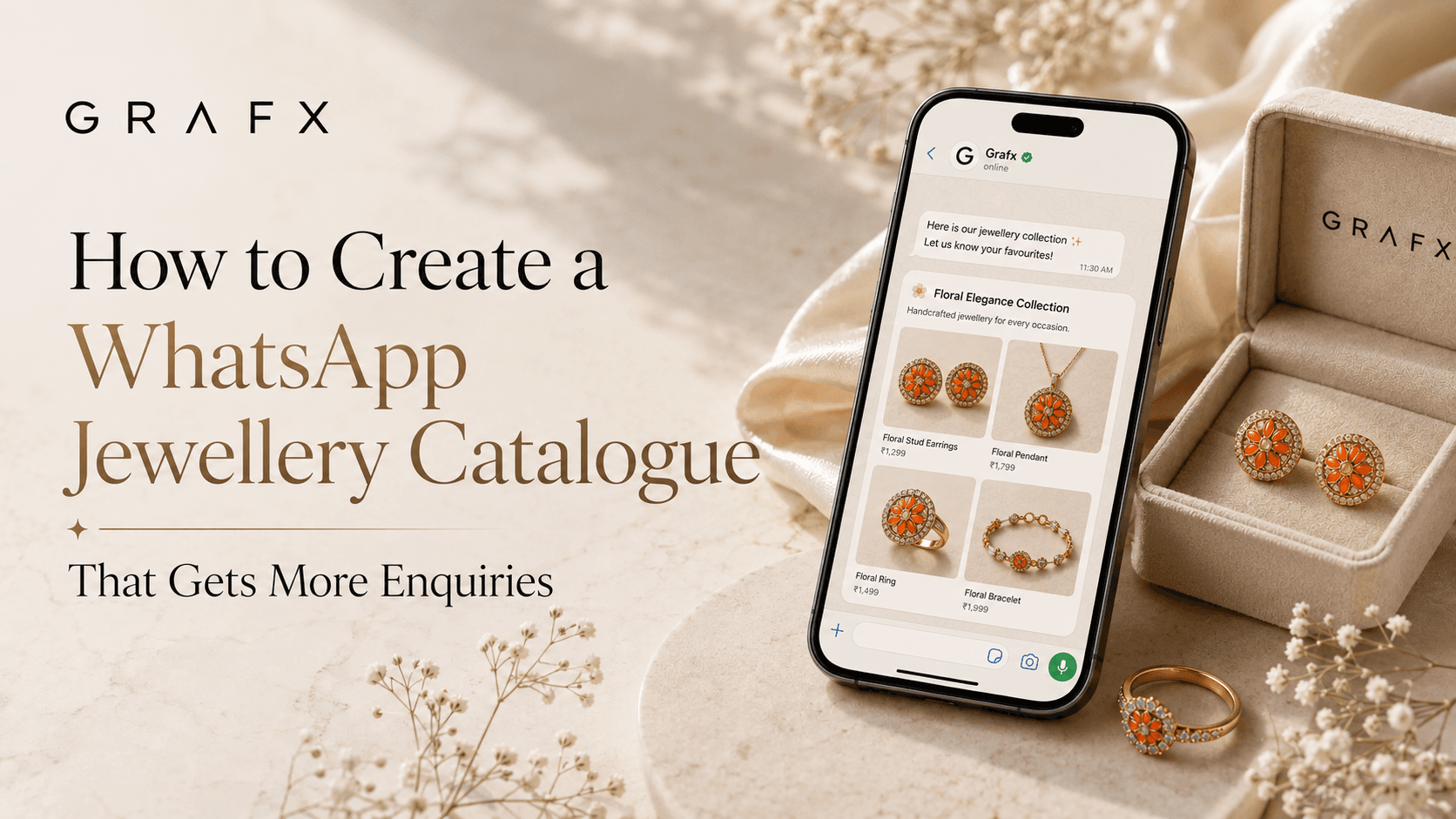
A beautiful image may attract attention, but the customer will still need practical information before making an enquiry. Include the most relevant details alongside each product:
- Product name or code
- Metal and purity
- Approximate weight
- Stone or material details
- Available size or customisation options
- Price or "price on request"
- Current availability
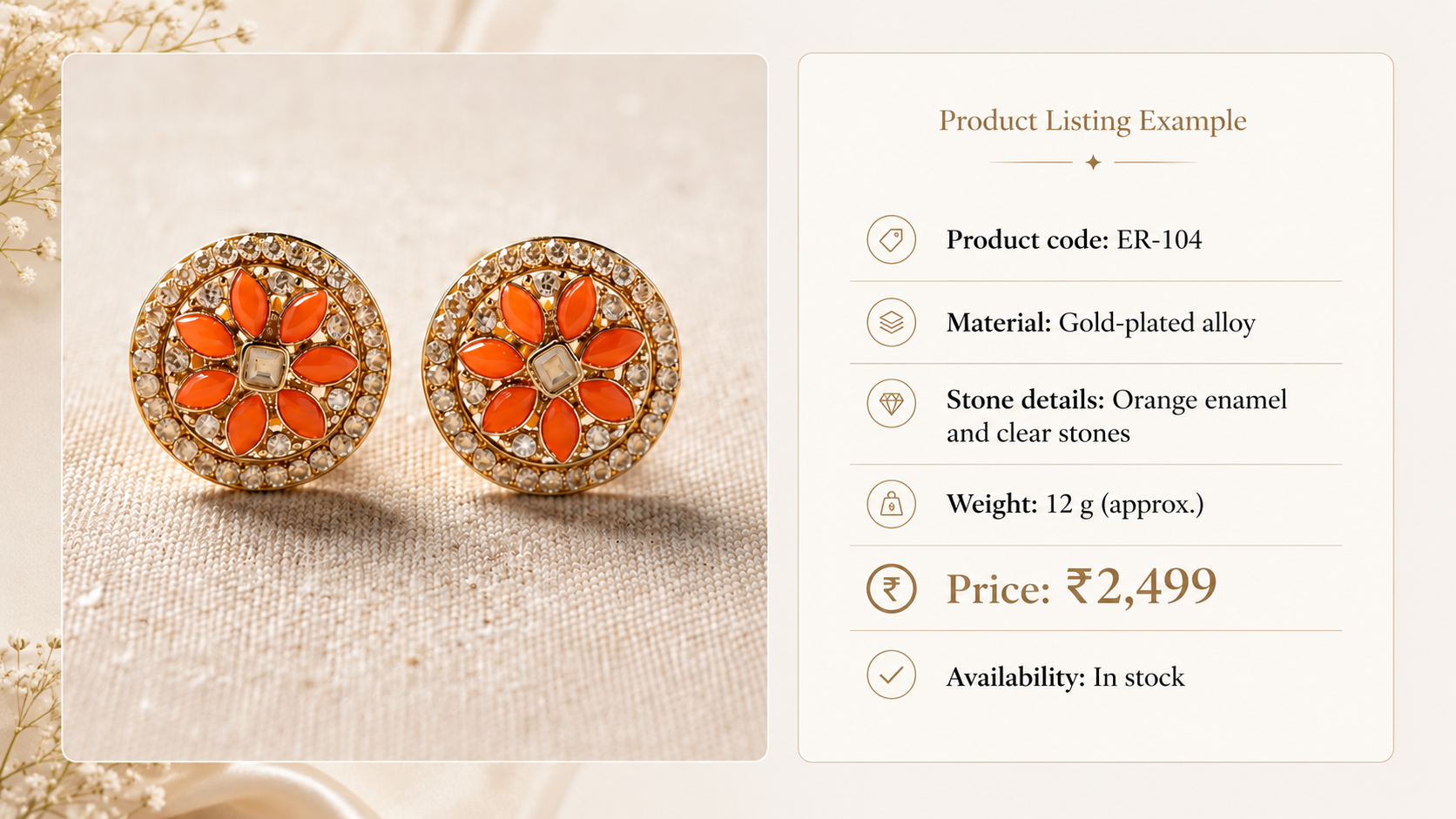
Keep the description short and easy to scan. Long paragraphs make it harder for customers to match the information with the correct image.
Give every piece a simple product code, such as RG-101 for rings, ER-104 for earrings, or NK-108 for necklaces. Instead of asking, "What is the price of the third necklace you sent?", the customer can simply enquire about NK-108.
Use the same code in your inventory, image file name, catalogue, and customer conversation. This reduces confusion when a customer returns after several days or shares the product with someone else.
4. Keep the Catalogue Visually Consistent
Your catalogue does not need an elaborate design, but the photographs should feel like they belong to the same store. Use a similar image ratio, lighting style, background, and product scale across related items.
Avoid mixing dark, blurry phone photos with bright studio images in the same collection. Inconsistent presentation can make even good jewellery appear less organised.
Choose a simple visual direction for each collection. For example, use clean white backgrounds for everyday products and a darker velvet setting for a wedding collection. Whatever style you choose, apply it consistently across related products.
5. Organise Products into Smaller Collections
Instead of creating one catalogue containing every item, separate your products into useful groups. These could include:
- New arrivals
- Daily-wear jewellery
- Bridal collection
- Gifts under a certain budget
- Rings, earrings, necklaces, and bracelets
- Gold, silver, diamond, or imitation jewellery
Smaller collections are easier to update and easier for customers to browse. They also allow you to send only the catalogue that matches the customer's requirement.
6. Send Fewer Options at a Time
More options do not always make the decision easier. Start by sending four to six pieces that closely match the customer's request.
Ask which designs they prefer before sending the next set. Their response will help you understand whether they want something simpler, heavier, more traditional, or within a different budget.
You can introduce the selection with a message such as:
"Sharing five designs based on the minimal gold earrings you were looking for. Let me know which ones you like, and I will share similar options along with the complete details."
This gives the customer a clear reason to reply instead of leaving them with a folder of unexplained images.
Bringing It Together
A good WhatsApp jewellery catalogue is not simply a collection of attractive photographs. It is a clear system that helps customers find relevant products, understand the details, and tell you what they are interested in.
Start with the customer's requirement, share a focused selection, use consistent images, and make every product easy to identify. When browsing feels simple, beginning an enquiry becomes simple too.
If getting consistent, catalogue-ready photos is the part that takes up most of your time, try Grafx. Send a product photo over WhatsApp, describe the setting you want, and receive a clean, on-brand image ready for your catalogue.